What's Actually Different Between Them?
The terms get blurred constantly, so let's establish clear definitions before making any comparison.
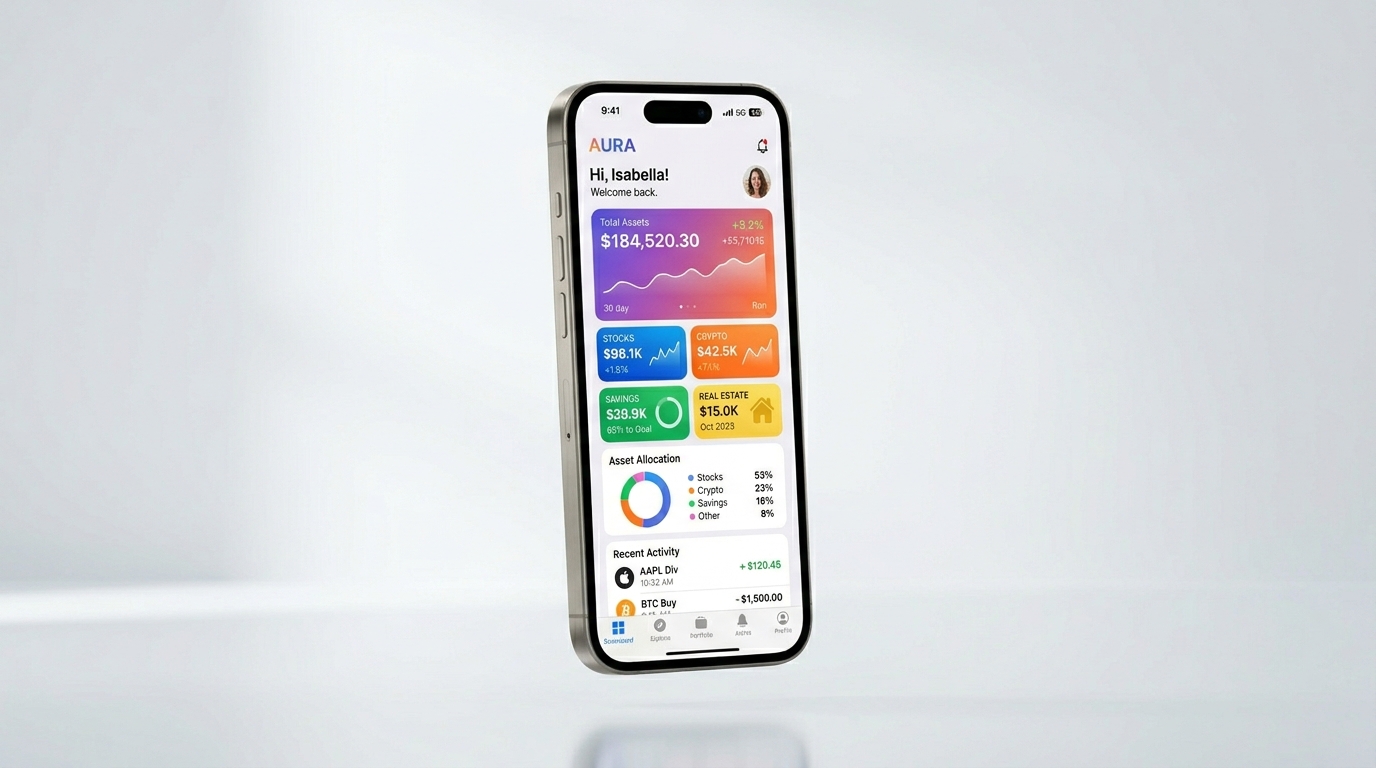
A native mobile app is built specifically for iOS or Android (or both), installed via the App Store or Google Play, runs on the device's operating system, and can access hardware features like the camera, GPS, accelerometer, push notifications, and offline storage natively. It is a dedicated software product that lives on someone's phone.
A web app is a software product that runs in a browser — desktop or mobile. It requires no installation, is accessed via a URL, works across all platforms without separate codebases, and is updated instantly without the user doing anything. Modern web apps built with React, Vue, or similar frameworks are indistinguishable from desktop software in terms of interactivity and speed.
The distinction matters because they have fundamentally different cost structures, distribution models, maintenance requirements, and capability ceilings. Choosing the wrong one at the start of a project is an expensive mistake to reverse.
When to Choose a Native Mobile App
A native mobile app is the right choice when your product genuinely relies on device capabilities or when the primary user context makes a dedicated phone app the natural interaction model. Specific scenarios where native wins:
- Hardware dependency: You need real-time camera access, GPS tracking in the background, Bluetooth connectivity, NFC, or biometric authentication at a level beyond what the browser API supports. Examples: delivery tracking apps, augmented reality tools, field inspection software, fitness trackers.
- Offline-first workflows: Your users operate in environments with unreliable internet — warehouses, construction sites, aircraft. Native apps can sync data in the background and work fully offline in ways that are still difficult for browser-based apps to match.
- Push notifications as a core feature: If your business model depends on re-engaging users with timely, personalised push notifications — ride-sharing, food delivery, financial alerts, messaging — native gives you full control over notification delivery, scheduling, and rich media.
- High-frequency daily use: When your product is something users will open multiple times per day, an icon on the home screen and the performance of a native interface justify the investment. Social networks, productivity tools, and communication apps belong here.
- App Store as a distribution channel: If a significant portion of your customer acquisition strategy involves users discovering you through an App Store search, a native app is a prerequisite.
When a Web App Is the Smarter Choice
For the majority of B2B software products, internal tools, SaaS platforms, and customer-facing applications, a web app is the faster, cheaper, and more maintainable choice. Here is when web wins:
- Cross-platform from day one: A web app works on every device with a browser — MacBook, Windows PC, iPhone, Android tablet — without maintaining separate codebases. For B2B products where your users might switch between devices throughout the day, this is a significant advantage.
- No app store friction: App Store and Google Play reviews can take days to weeks. A security patch or critical bug fix in a web app ships in minutes. For products where uptime and rapid iteration matter, this is not a minor convenience — it is a core operational advantage.
- Lower development and maintenance cost: One codebase, one deployment target. A properly built web app costs 40–60% less than building and maintaining equivalent iOS and Android apps simultaneously.
- SEO and discoverability: Web apps can be indexed by search engines. If inbound organic traffic is part of your acquisition strategy, your tool pages, feature pages, and even in-app content can drive search visits that an App Store listing never will.
- Your users are primarily at a desk: Project management tools, CRMs, reporting dashboards, accounting software — these are products where users sit at a computer. A web app optimised for desktop use will consistently outperform a forced-mobile experience.
The Hybrid Middle Ground: Progressive Web Apps
Progressive Web Apps (PWAs) occupy an increasingly capable middle ground that many founders overlook. A PWA is a web app that has been enhanced with a Service Worker (for offline capability and background sync), a Web App Manifest (allowing it to be installed on a home screen like a native app), and modern browser APIs for push notifications, camera access, and geolocation.
In 2026, PWAs can satisfy the majority of use cases that previously required a native app. They install from the browser without an App Store, load instantly from cache, receive push notifications on Android (and increasingly on iOS since Safari's PWA support has matured substantially), and can work fully offline. Starbucks, Uber, Twitter Lite, and Pinterest all invested in PWAs after finding that they reached more users and converted better than their native apps in emerging markets where device performance and data costs matter.
The honest limitation: PWAs still cannot access some deeper hardware APIs (particularly Bluetooth, NFC, and background GPS on iOS), and the iOS App Store remains a preferred discovery channel for consumer products. But for a business launching its first digital product, a well-built PWA often delivers 90% of the mobile experience at 50–60% of the cost of native.
Cost & Timeline Comparison
| Factor | Native Mobile (iOS + Android) |
Web App | PWA |
|---|---|---|---|
| MVP Build Cost | $40k – $120k+ | $15k – $50k | $20k – $55k |
| Time to Launch | 4 – 9 months | 6 – 16 weeks | 8 – 18 weeks |
| Platforms Covered | iOS & Android | All (browser) | All + installable |
| Deployment Speed | App review: 1–7 days | Instant | Instant |
| Offline Support | Full native | Limited | Moderate (Service Worker) |
| Hardware Access | Full (camera, BT, NFC, GPS) | Partial (camera, GPS) | Partial (same as web) |
| Push Notifications | Full support | Not available | Android full / iOS partial |
| App Store Discovery | Yes | No | No (direct install only) |
| Ongoing Maintenance | High (OS updates × 2) | Low | Low |
| SEO Potential | None | Full | Full |
5 Questions to Ask Before You Decide
Run through these questions honestly. Your answers will almost always point you to the right answer without needing a consultant to tell you.
- Does your core feature require hardware that only a native app can access? If you need real-time background GPS, Bluetooth Low Energy, NFC, or camera frame-by-frame processing, you need a native app. If your core feature works without these, you almost certainly do not.
- Will your users use this product offline, regularly? If yes, and offline usage is a core part of the workflow rather than a nice-to-have, native has a meaningful advantage. If offline is a rare edge case, a PWA handles it adequately.
- Is App Store discoverability part of your growth strategy? Consumer products targeting individuals (rather than businesses procured through a sales team) benefit from App Store visibility. B2B products rarely do — their acquisition happens through demos, referrals, and search, not App Store browsing.
- How fast do you need to iterate? If you are still validating product-market fit, the ability to push updates instantly without waiting for App Store review is a genuine competitive advantage. Web apps and PWAs win here unambiguously.
- What is your user's primary device context? Are your users primarily at a desk (B2B software, data dashboards, admin tools) or are they on the move (delivery drivers, field workers, consumers in daily life)? The answer tells you which form factor optimisation matters most.
Most businesses should start with a web app or PWA and graduate to a native mobile app once they have validated product-market fit, understand their users' device behaviour deeply, and have a specific reason — not just a feeling — that native is necessary. Building native from day one because it "sounds more serious" is one of the most consistently expensive mistakes we see early-stage product teams make. Validate your idea cheaply, then invest in the right platform for your proven users.